

GLM-5 AI Image Generator — Text to Image & Image Editing
Generate images with AI models, support text-to-image and image-to-image.
Image Generator
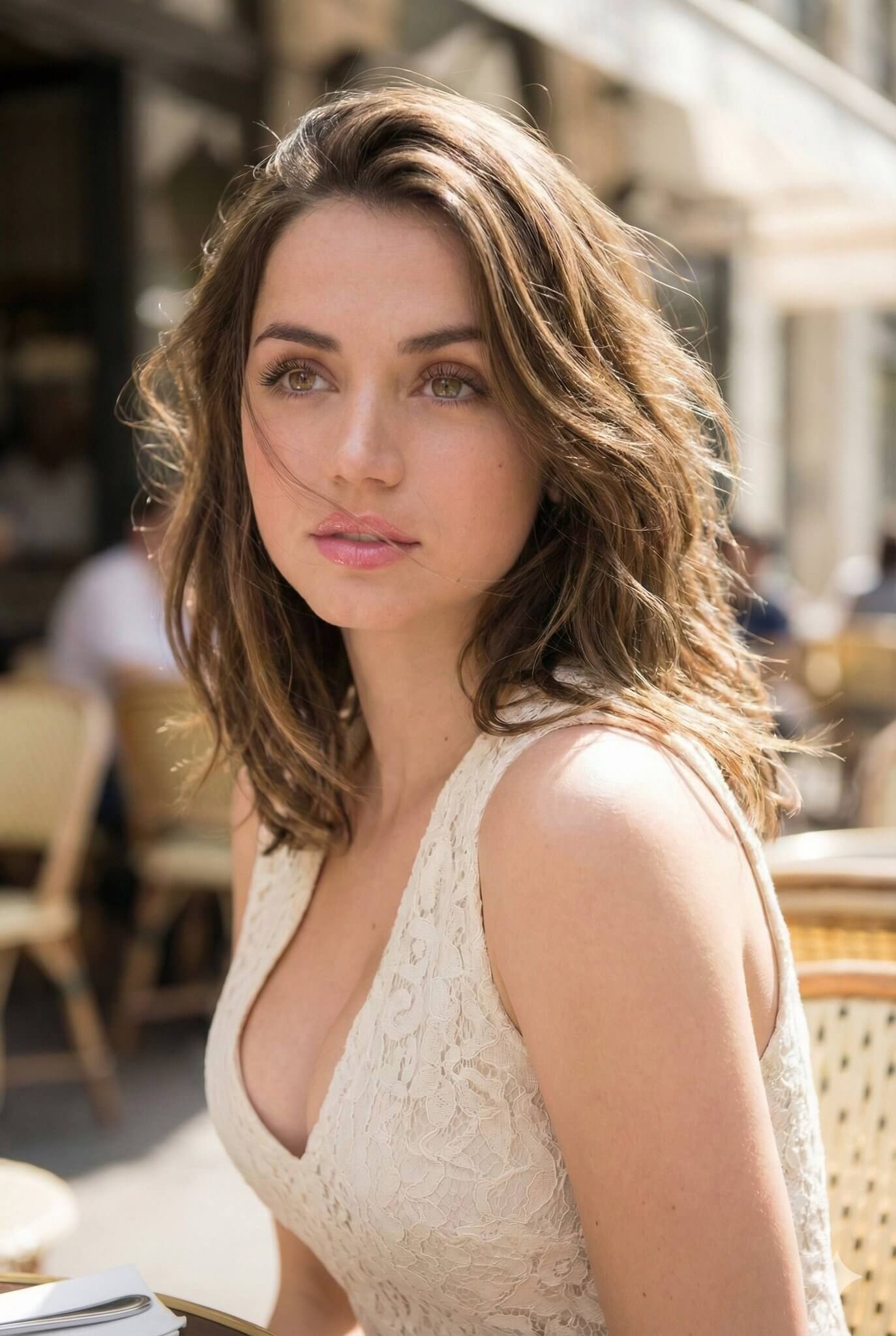
How to generate an AI image
Start from a written prompt or a photo of your own, then compare models until the result looks right.
Start from text or an image
Text to Image creates a picture from your description. Image to Image takes a photo you upload and edits or restyles it according to your instructions.
Choose a model that fits the job
Each model has its own strengths. Try Seedream 5.0 for detailed visuals, GPT Image 2 for general-purpose work, or a Lite model such as Nano Banana 2 Lite when you want quick drafts.
Set the size and generate
Pick the aspect ratio your project needs, such as square for social posts or a tall format for phone screens. The credit cost appears before you start, and finished images are ready to download.
AI image generator FAQ
Answers about the image models, photo editing, and credit costs on this page.
Which AI image models are available?
You can choose from Seedream 5.0, Nano Banana 2 Lite, Nano Banana Pro, GPT Image 2.5 Flare, GPT Image 2, FLUX.2 Pro, Qwen Image 3.0, and Grok Imagine Image 2.0, among others. They all share one interface, so you can run the same prompt on several models and keep the best result.
What is the difference between text to image and image to image?
Text to image builds a new picture from your description alone. Image to image starts from a photo you upload and changes it as you ask, for example swapping the background, changing the style, or adjusting details while keeping the original composition.
How do I write a prompt that gets better results?
Name the subject first, then add the setting, the style, the lighting, and the framing. For example, "a ceramic mug on a wooden table, soft morning light, product photo, close-up" gives the model far more to work with than "a mug".
Can every model edit an uploaded photo?
No. Some models only work from text, so the model list changes when you switch tabs. The Image to Image tab shows only the models that accept an uploaded picture, including Seedream 5.0, GPT Image 2, and Nano Banana Pro.
How many credits does an image cost?
The cost depends on the model and its output settings, with Lite models generally costing less than premium ones. The exact number of credits is shown next to the generate button before anything is charged.
Do I need an account to generate images?
You can explore the models and settings without an account, and you sign in when you are ready to generate. Generation uses the credits on your account, and you can check your balance on the page.
Start Using GLM 5 Today
Try GLM 5 free — reasoning, coding, agents, and image generation in one platform.